ArduinoFebruary 12, 2026•5 min read•TheBotBakers Team
Getting Started with Arduino Uno: A Complete Beginner's Guide
Explore the essentials of Arduino programming, hardware pins, and how to write your first blink sketch with TheBotBakers starter kit.
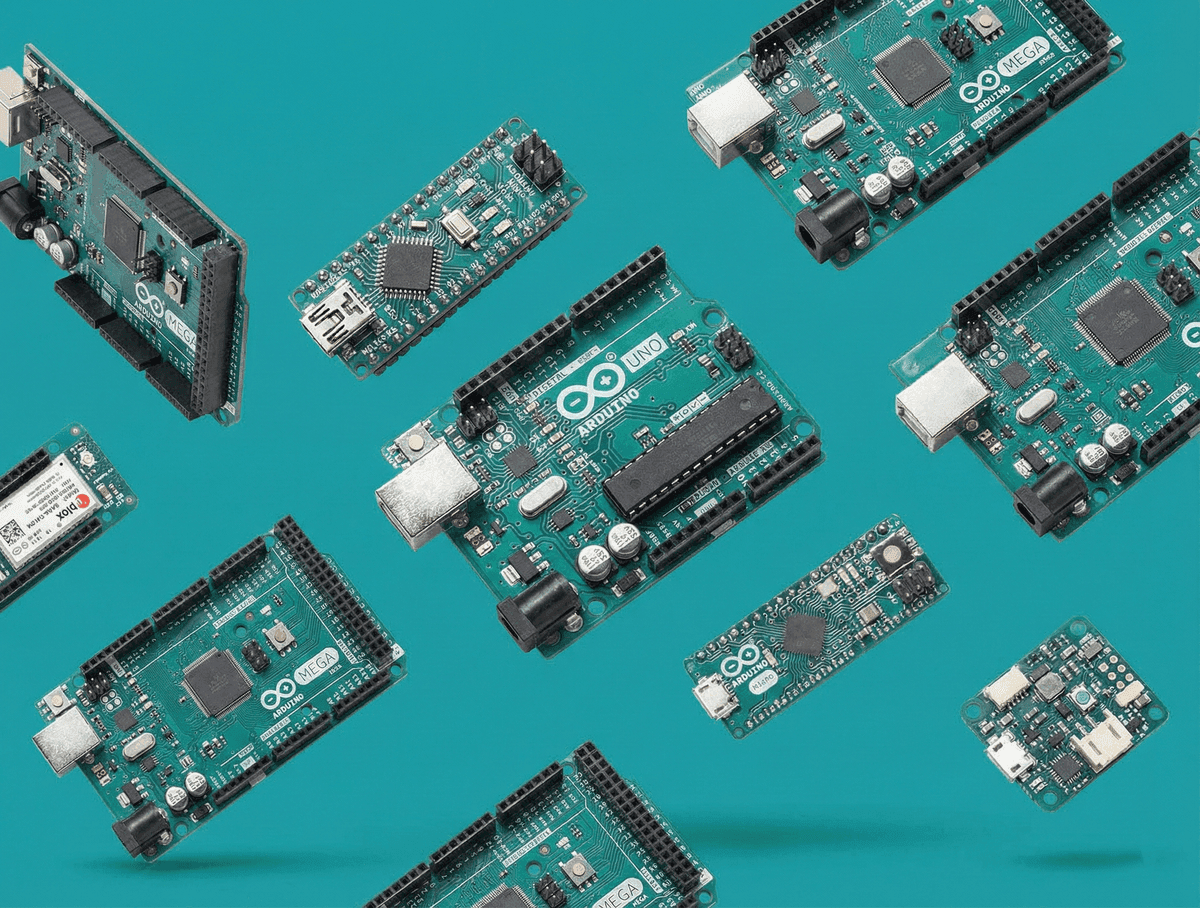
Arduino is the world's most accessible open-source electronics platform. In this comprehensive guide, we cover everything you need to know about setting up your board, installing the Arduino IDE, and building your first interactive circuit.
What is Arduino?
Arduino boards are microcontrollers that can read inputs (light on a sensor, a finger on a button, or a Twitter message) and turn it into an output (activating a motor, turning on an LED, publishing something online).
Getting Started Checklist
- Connect your Arduino Uno board using a standard USB-B cable.
- Download and install the Arduino IDE from the official website.
- Select your board model: Tools > Board > Arduino Uno.
- Select the proper serial COM port: Tools > Port.
- Upload the classic Blink sketch under File > Examples > 01.Basics > Blink.
Happy making from TheBotBakers!
#Arduino#Beginner#Tutorial#Electronics
Hands-on Robotics Hardware
Ready to Build This Project?
Get all required genuine microcontrollers, sensors, and starter kits with fast delivery across Bangladesh (80 ৳ inside Dhaka, 120 ৳ nationwide).
More Tutorials & Articles
Keep exploring electronics, Arduino, and robotics guides.